Webcenture
Table of Content:
In modern business, productivity is no longer about hustle — it’s about systems, clarity, and operational control. Whether you’re running a branding agency, building a content-driven personal brand, managing client projects, or scaling a startup, your ability to organize work determines your growth ceiling.
Founders often hit a bottleneck not because of a lack of talent or demand, but because of disorganized workflows, scattered communication, and poor task visibility.
The solution? Structured productivity infrastructure.
Below are five of the most powerful business productivity tools that help entrepreneurs manage daily execution, oversee projects, track clients, and build scalable systems.
1. Notion – The All-In-One Business Operating System
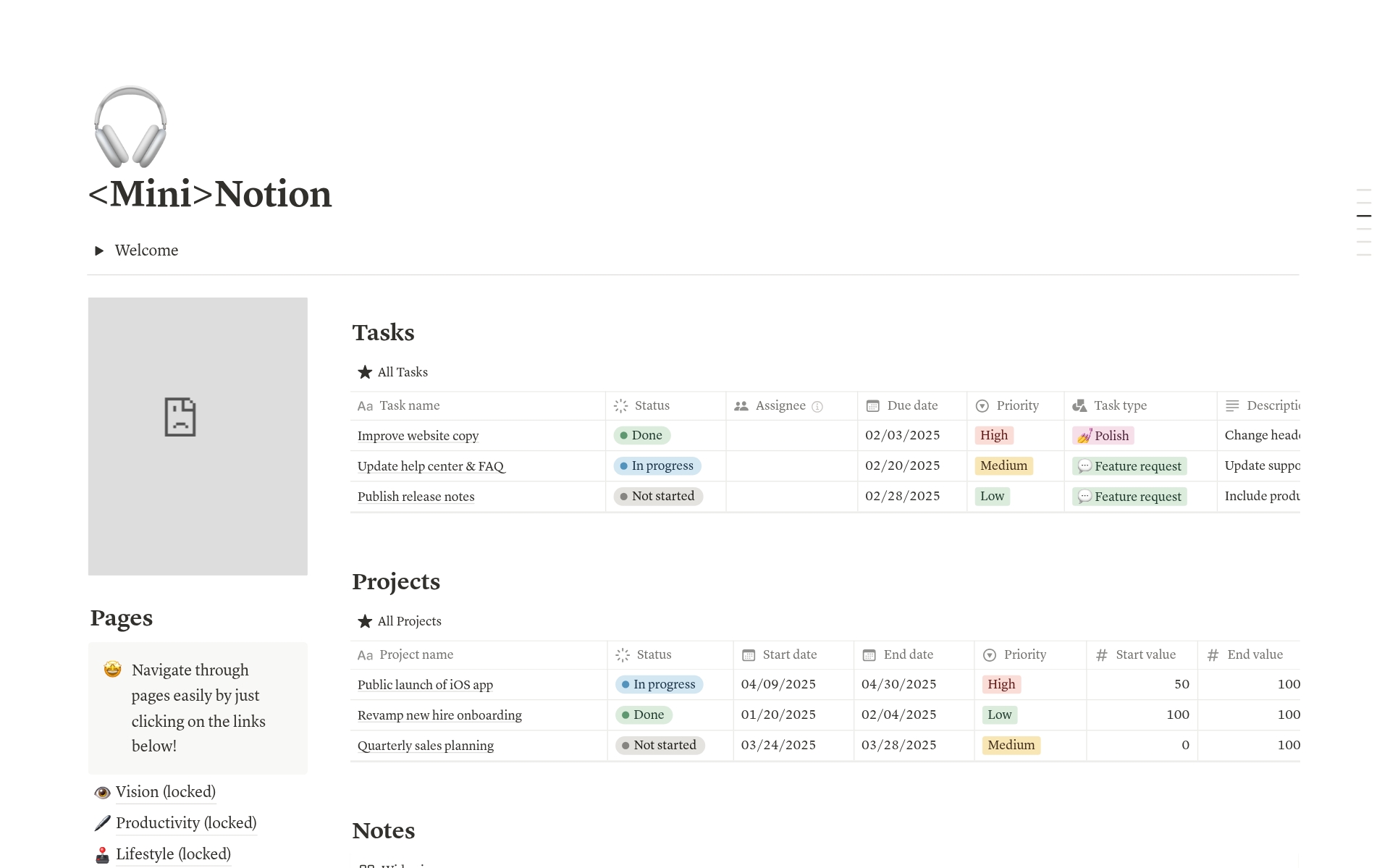
Notion has become the backbone of many modern businesses because it combines flexibility with structure. Instead of using separate tools for tasks, notes, documentation, and CRM, Notion allows you to build everything inside one customizable workspace.
You can create:
A daily task tracker with priority tagging
A full project management dashboard with status columns
A CRM to track clients and leads
A content calendar for social media planning
A centralized SOP library
Its database-driven architecture allows relational linking between projects, clients, and tasks. This makes it especially powerful for service-based businesses that need cross-referencing across departments.
Why it works
Notion adapts to your workflow instead of forcing you into rigid structures. As your business evolves, your workspace evolves with it.
Best for
Solo founders
Content creators
Early-stage startups
Agencies that want customization
Limitation
Initial setup requires planning. Without clear structure, it can become cluttered.
If you want to design your own business operating system, Notion is arguably the most flexible tool available today.
2. ClickUp – Built for Execution-Heavy Teams

ClickUp is designed for execution. It is structured, detailed, and optimized for operational efficiency.
Unlike flexible tools that require manual configuration, ClickUp comes with built-in workflow systems including:
Tasks and subtasks
Custom statuses
Time tracking
Gantt charts
Workload views
Automation rules
For agencies handling multiple clients simultaneously, ClickUp provides clear visibility into deliverables and deadlines.
Why it works
ClickUp reduces operational friction. Everything — communication, documentation, timelines, and assignments — stays inside one controlled environment.
Best for
Marketing and branding agencies
Growing teams
Businesses with multiple ongoing projects
Limitation
The interface can feel overwhelming at first due to the number of features.
If your priority is structured execution at scale, ClickUp provides operational discipline.
3. Trello – Visual Simplicity That Drives Momentum
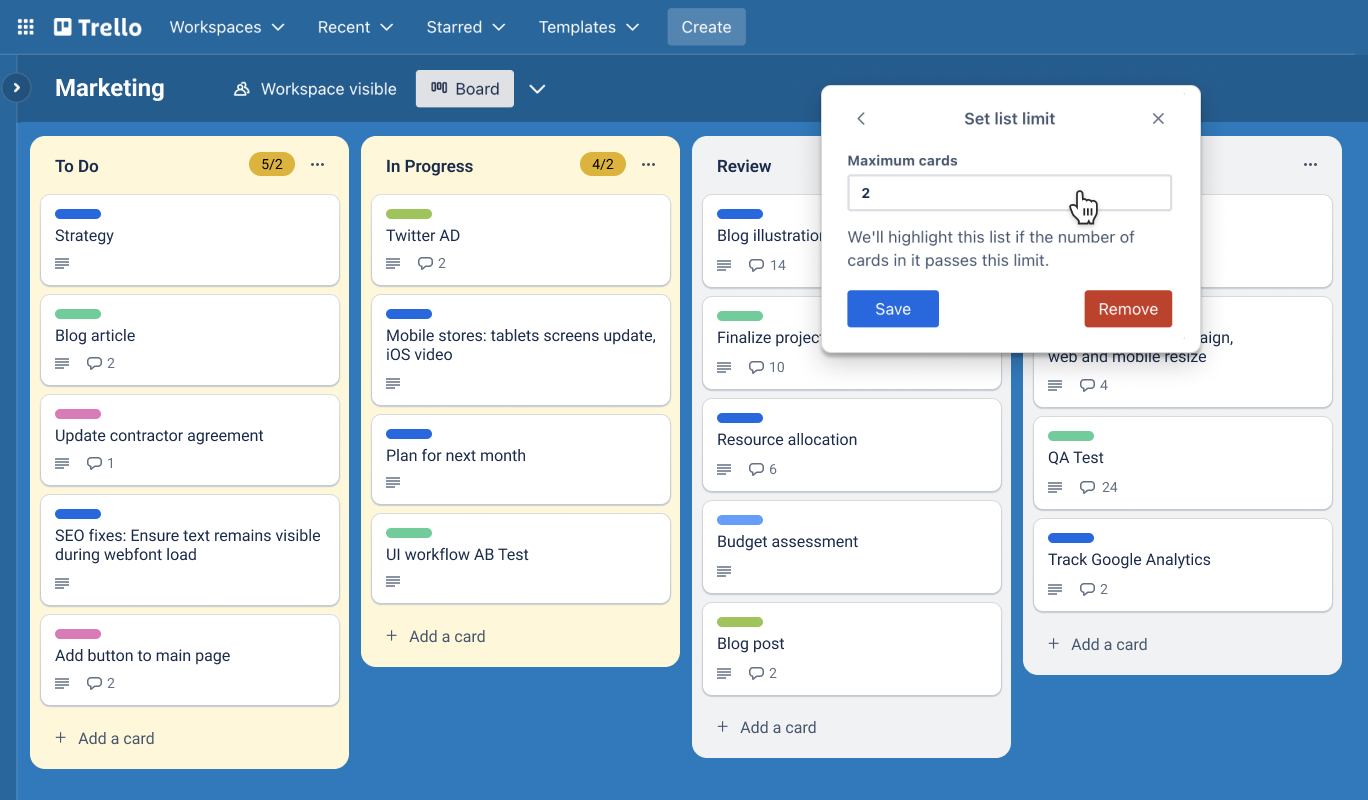
Trello is built on the Kanban methodology — a visual workflow system that organizes tasks into columns such as:
To Do
In Progress
Review
Completed
Its simplicity is its power.
You can set up boards for:
Daily work tracking
Content pipelines
Client onboarding stages
Lead qualification process
Because of its drag-and-drop interface, teams quickly adapt without extensive onboarding.
Why it works
Low friction leads to consistent usage. Tools only work if teams actually use them daily.
Best for
Solopreneurs
Small teams
Content planning
Lightweight project tracking
Limitation
Not ideal for highly complex projects with layered dependencies.
If you want clarity without complexity, Trello delivers.
4. Asana – Structured Collaboration at Scale
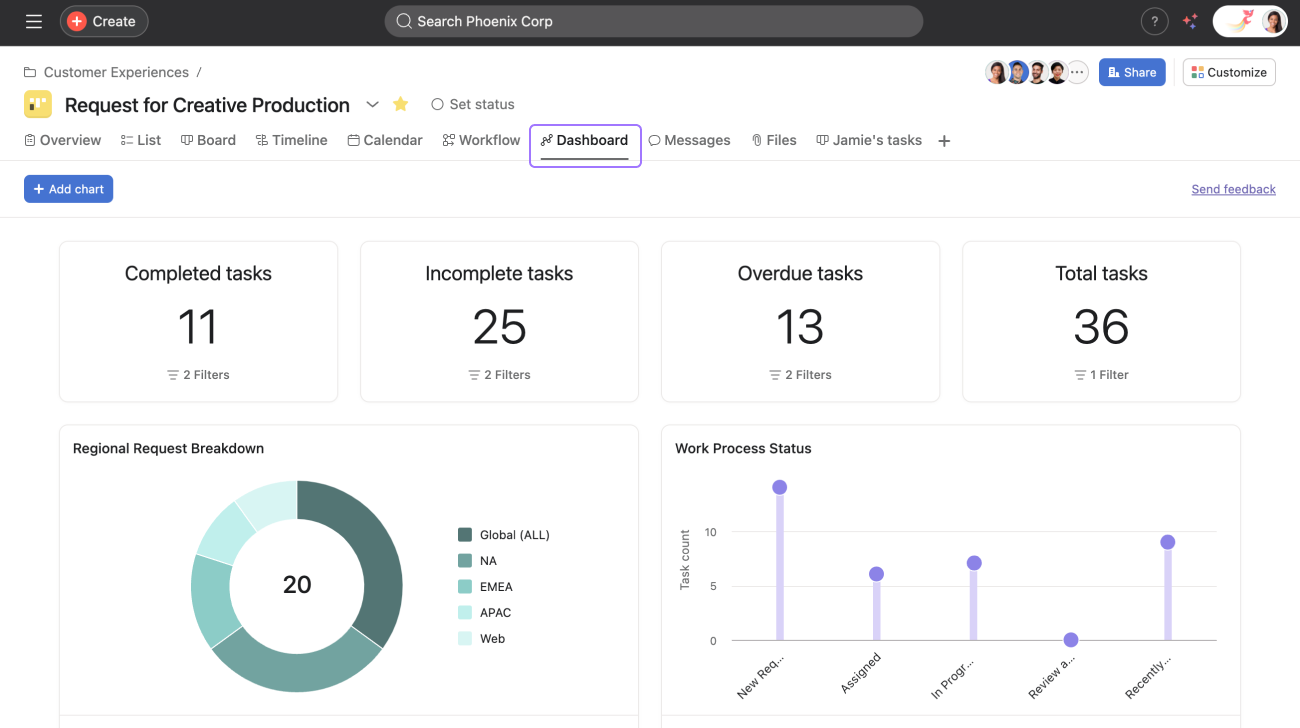
Asana bridges the gap between simplicity and enterprise-grade project management.
It offers:
Task assignments with due dates
Timeline and calendar views
Workload management
Milestone tracking
Automated reminders
For businesses that are transitioning from small teams to structured departments, Asana provides clarity in ownership and accountability.
Why it works
It promotes alignment. Everyone knows what they are responsible for and when it is due.
Best for
Teams of 3+ members
Structured workflow environments
Growing startups
Limitation
It is not designed as a CRM, so sales pipeline management is limited.
Asana is ideal for teams that prioritize coordination and deadline discipline.
5. HubSpot – Revenue Pipeline Control
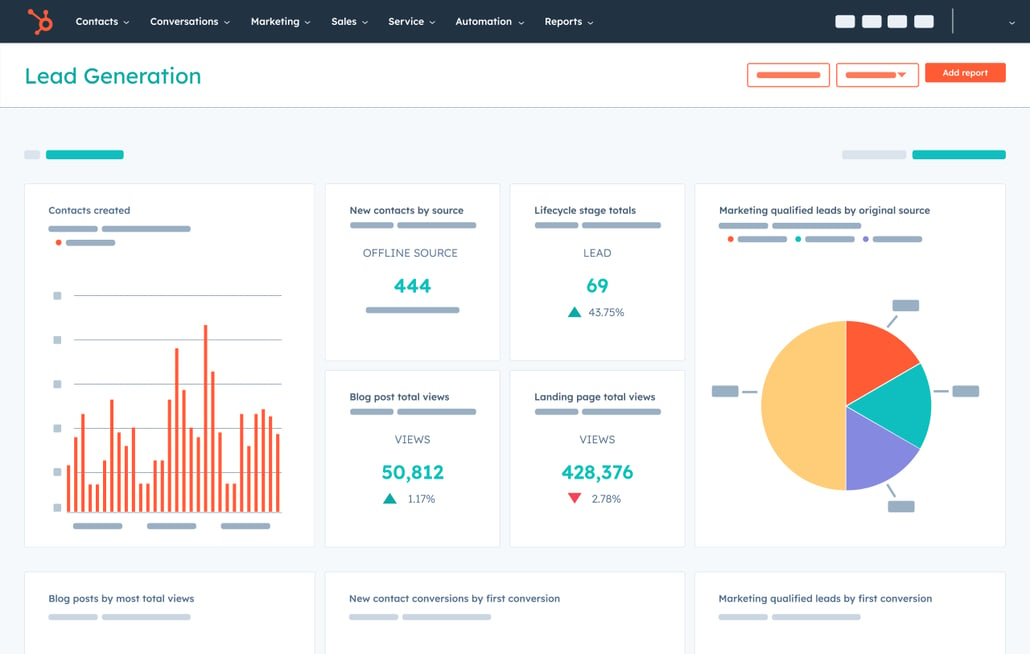
While project management tools focus on execution, HubSpot focuses on revenue growth.
Its CRM system allows you to:
Track leads by lifecycle stage
Log client conversations
Automate follow-ups
Monitor deal value
Analyze sales performance
For service businesses and agencies, visibility into the sales pipeline is critical. Without structured lead tracking, opportunities slip through gaps.
Why it works
Revenue tracking becomes systematic instead of emotional. Decisions are based on data.
Best for
Agencies targeting high-ticket clients
Businesses scaling outbound sales
Founders building structured lead funnels
Limitation
Advanced marketing automation requires paid plans.
If you want predictable revenue growth, CRM infrastructure is non-negotiable — and HubSpot is one of the strongest platforms in this category.
Choosing the Right Tool for Your Business
There is no universally “best” productivity tool. The correct choice depends on operational complexity and growth stage.
Solo founder building structure → Notion or Trello
Agency managing multiple clients → ClickUp + HubSpot
Growing startup with expanding team → Asana
Sales-focused business scaling aggressively → HubSpot
The key principle: Match tool complexity to operational complexity.
Overengineering slows momentum. Under-structuring creates chaos.
Final Perspective: Tools Don’t Scale Businesses, Systems Do
Many entrepreneurs believe installing the right software will automatically increase productivity. In reality, tools are multipliers, not solutions.
A productivity tool only works if:
Workflows are clearly defined
Responsibilities are assigned
Deadlines are enforced
Reviews are conducted regularly
Without process clarity, even the most advanced platform becomes digital clutter.
High-performing businesses treat productivity tools as infrastructure — not accessories.
If you want to scale sustainably, start by defining your operational system. Then select the tool that best supports that structure.
Because in business, control creates growth — and structure creates control.
 Webcenture